Step 1
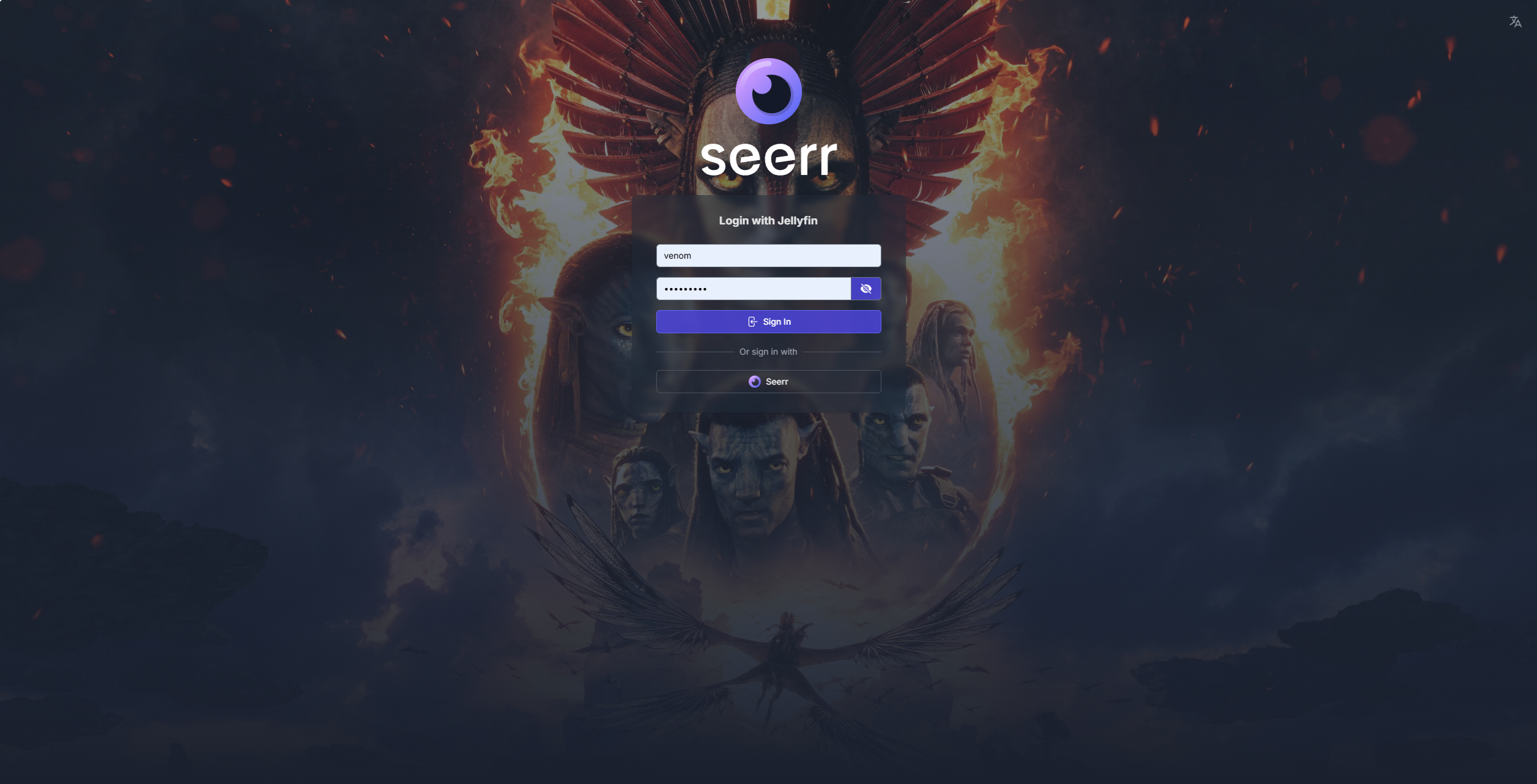
Step 1 - The website
Visit https://requests.venom.nz and log in using your JELLYFIN credentials
Step 2
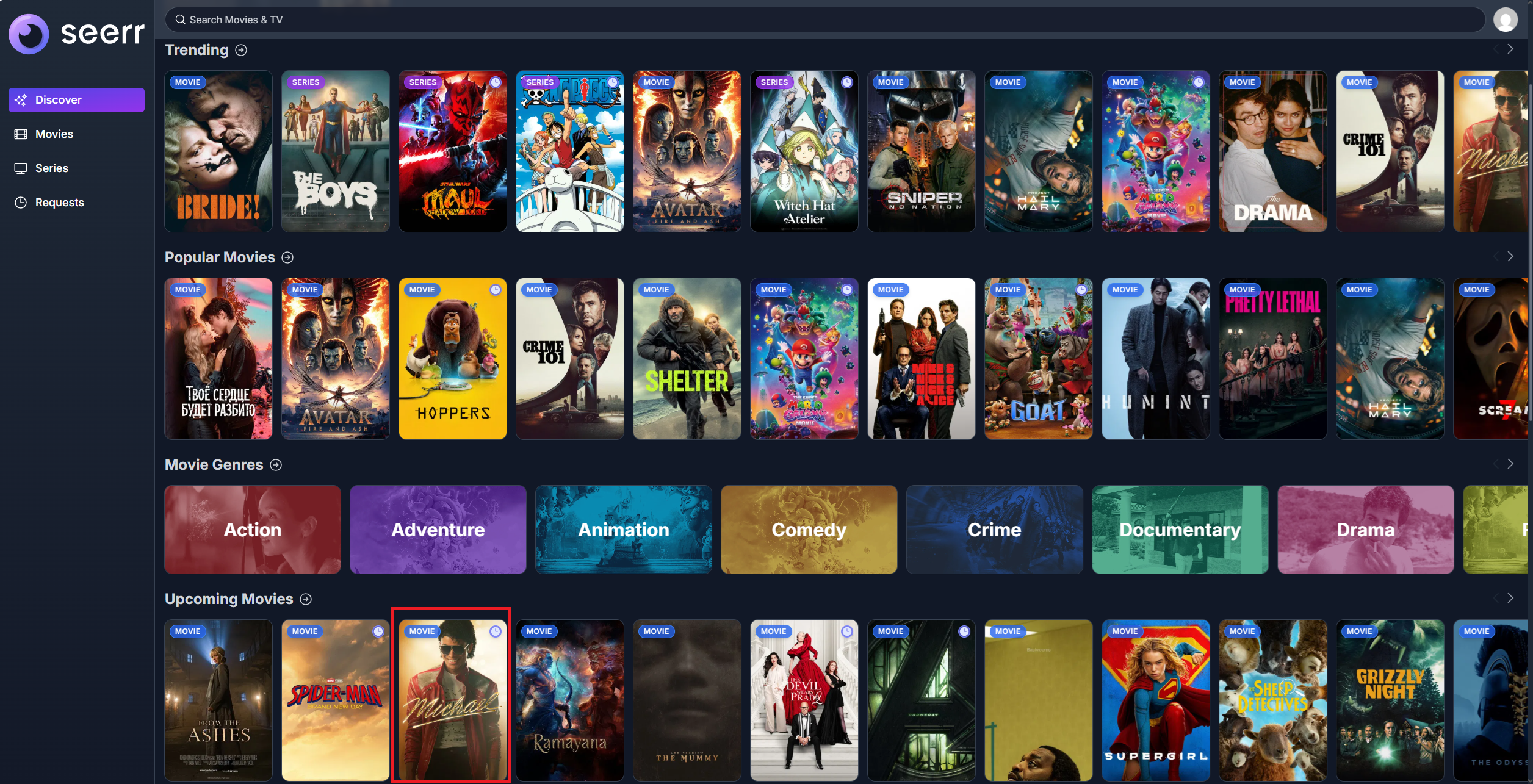
Step 2 - Finding the media
Find the media you'd like to request and click on it: Note: You can request unreleased media but it won't become available until it is released on streaming platforms.
Step 3
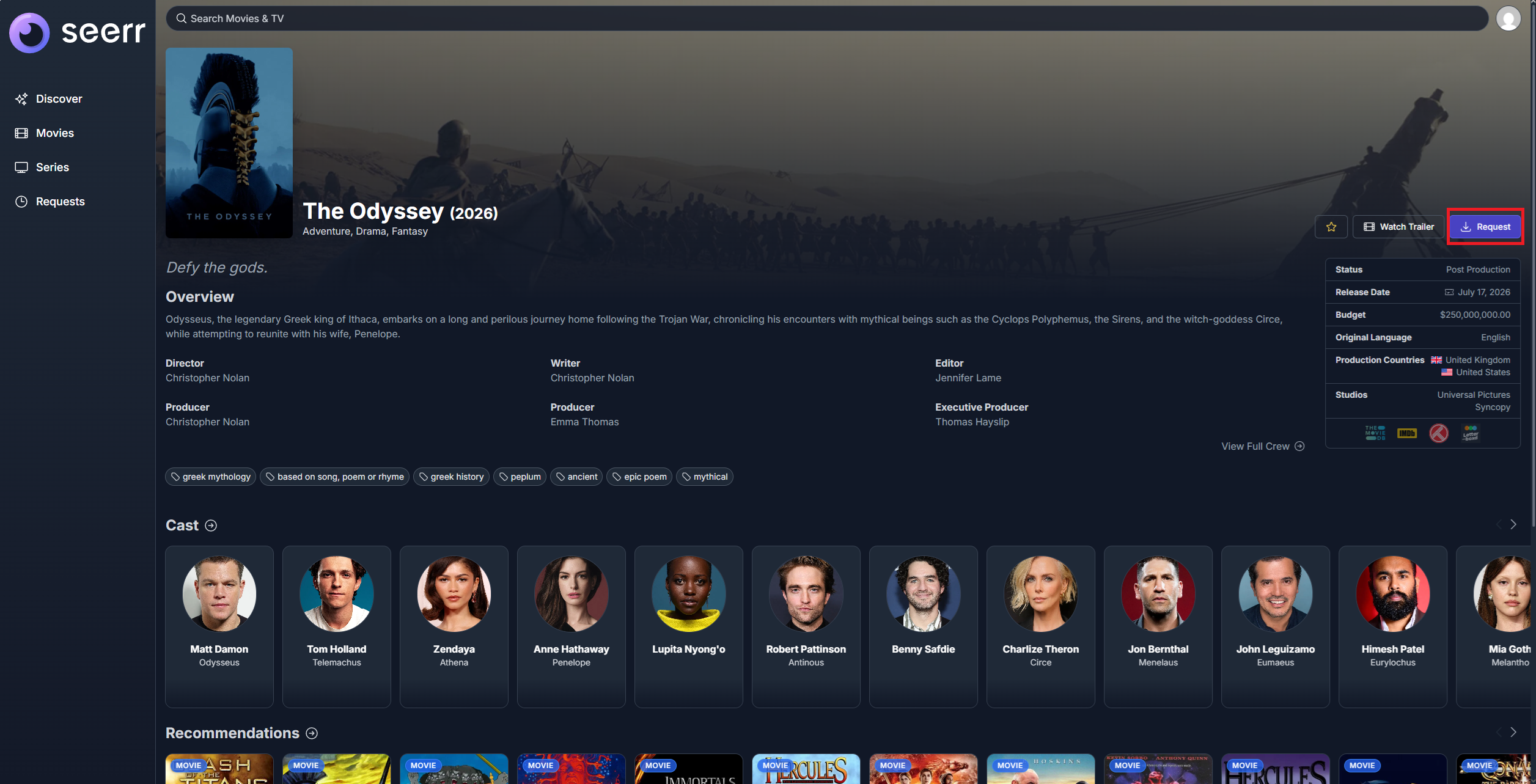
Step 3 - Request the media
Request the media using the "Request" button. Do note that if it can't find a good copy, nothing will happen. If you haven't seen your media appear on any of the apps within a day or two, let me know and I'll manually look for it.