Step 1
Step 1
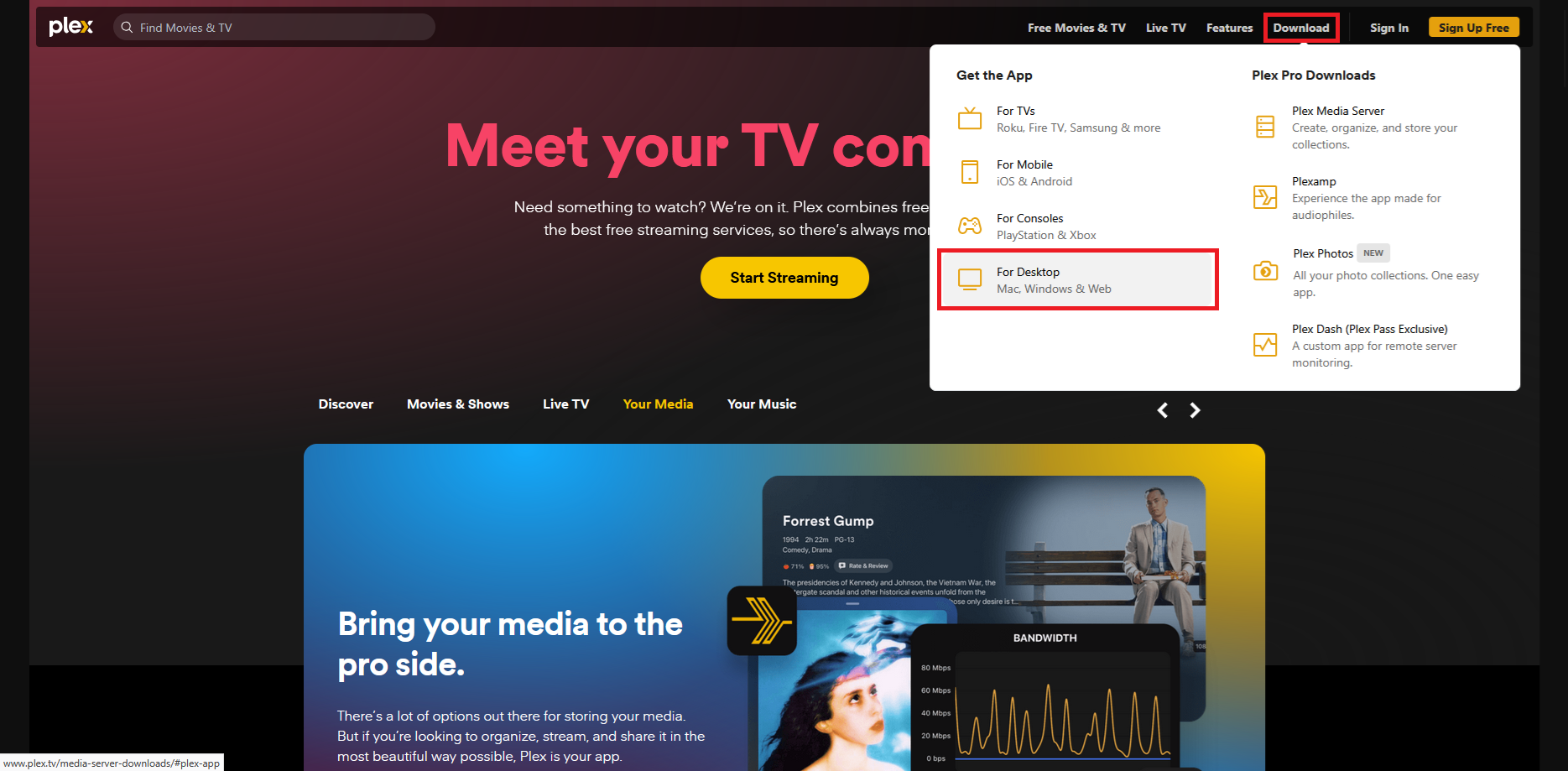
Visit https://plex.tv/ and hover your mouse of the download tab at the top and select your system type. For this, I will be installing on a Windows PC.
Step 2
Step 2
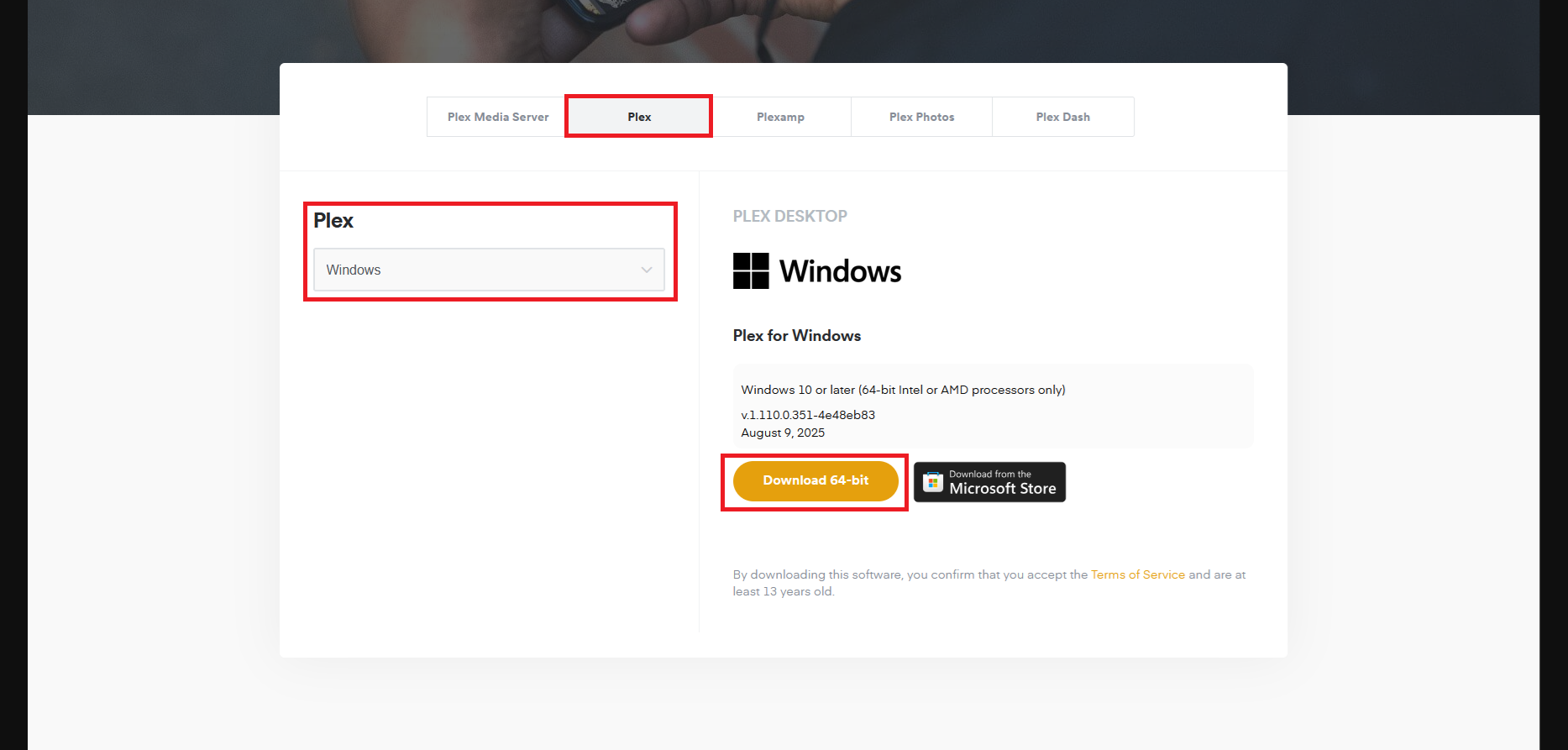
Make sure you're on the Plex client tab, Windows (if relevant) is selected and then you can just click on the download button - You can also use the Microsoft store if you have that set up
Step 3
Step 3 - Your account
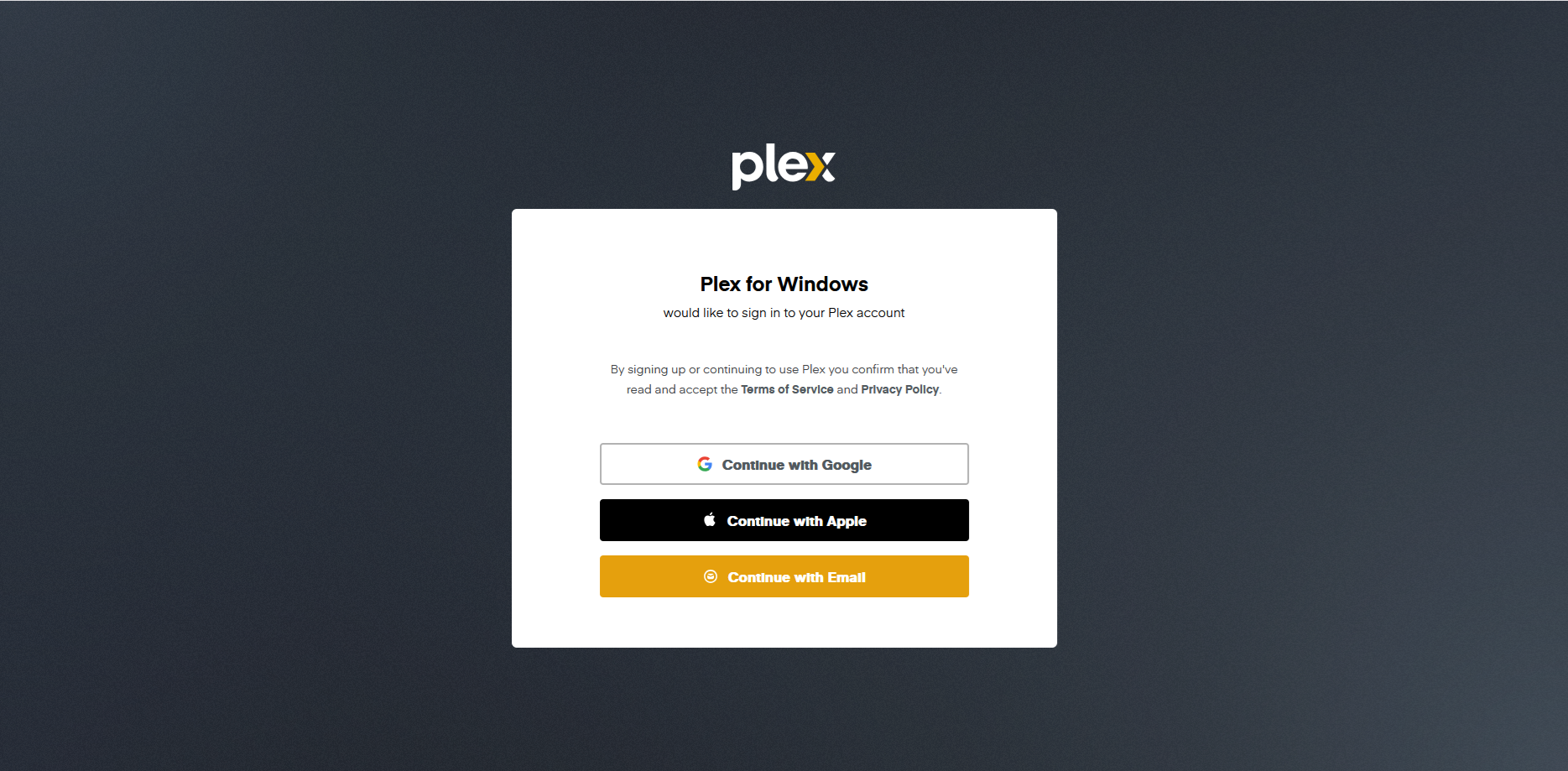
When prompted to sign in, continue with your preferred way of signing in to websites - If this is your first time using Plex, you will have to create an account.
Note: Unlike Jellyfin, I don't manage Plex accounts
Step 4
Step 4 - Contact me!
Once signed in/signed up, let me know and I will work with you to add you to the media libraries