Step 1
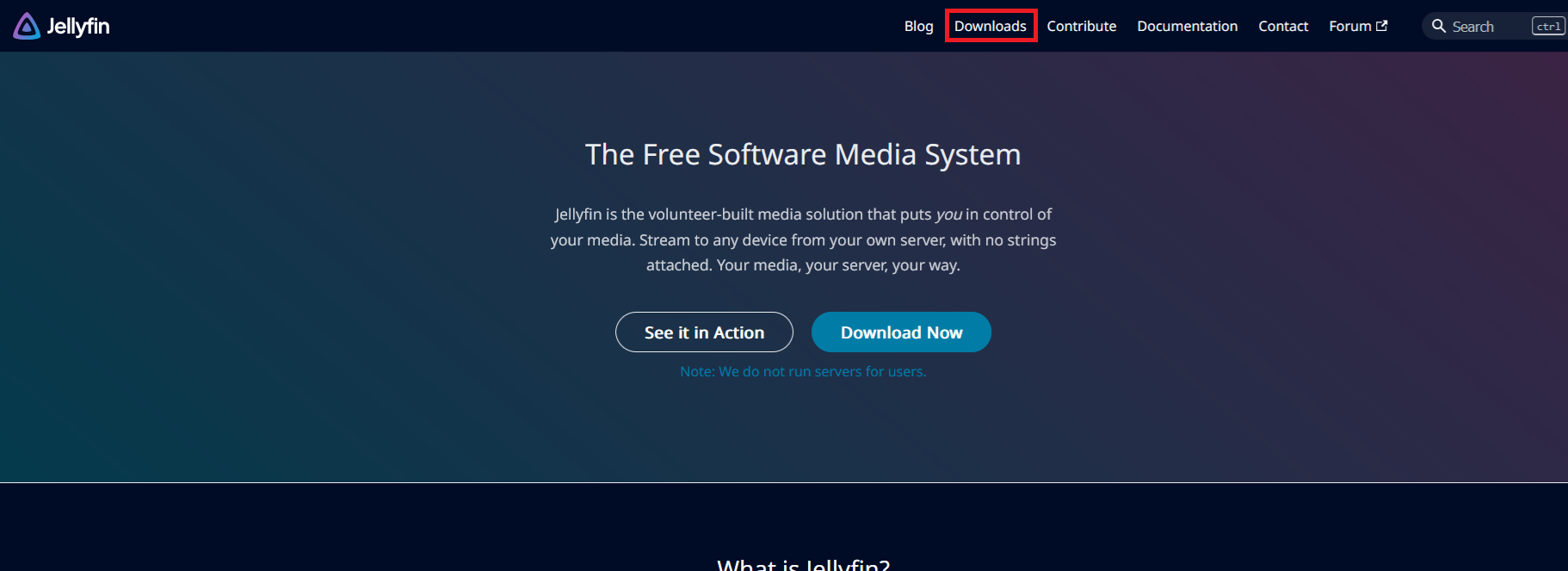
Step 1 - Download Jellyfin
Click on the downloads page at https://jellyfin.org/
Step 2
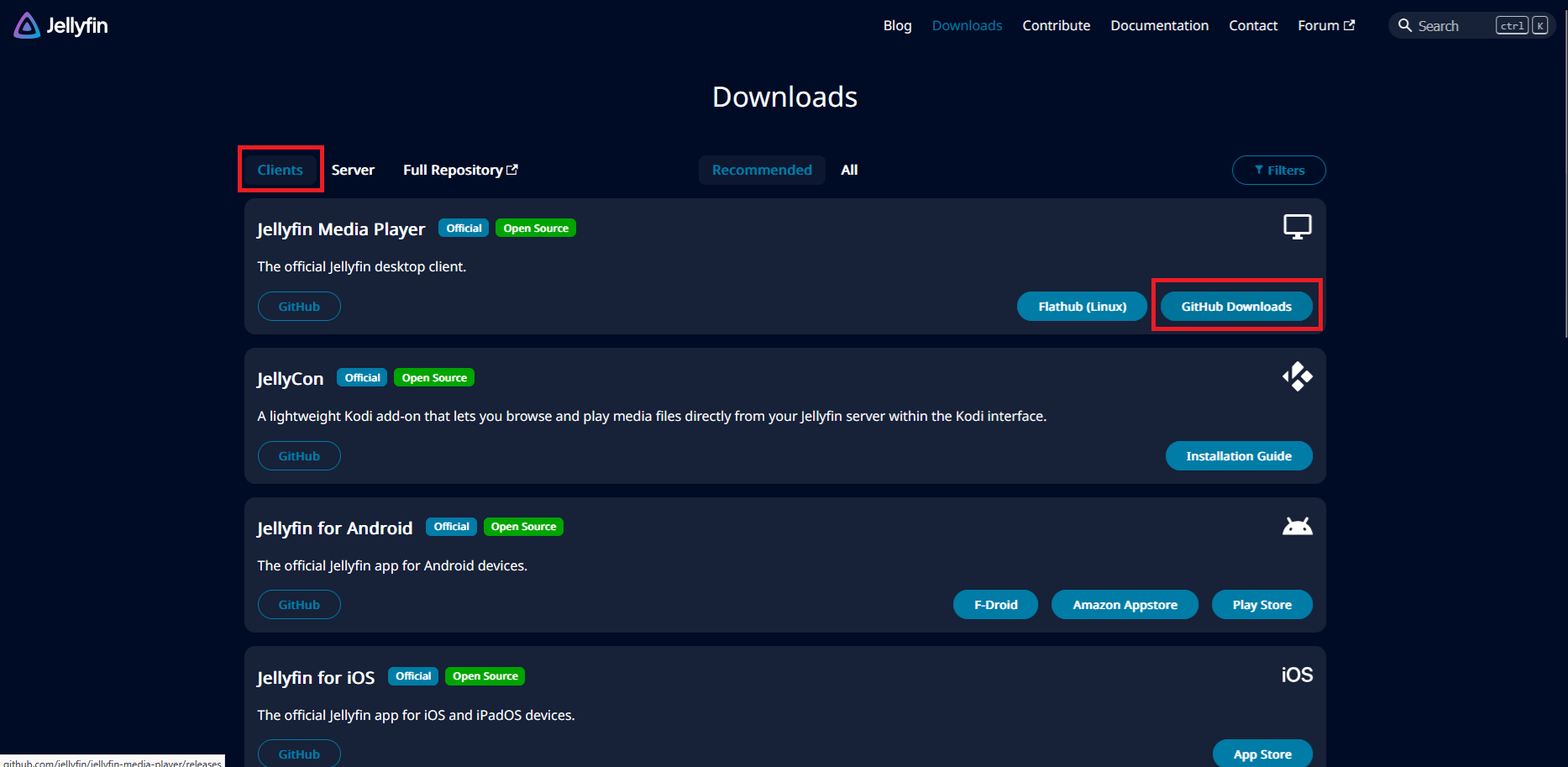
Step 2
Make sure you're in the "Clients" section of the downloads page, and click on "Github Downloads" - This will take you to another website
Step 3
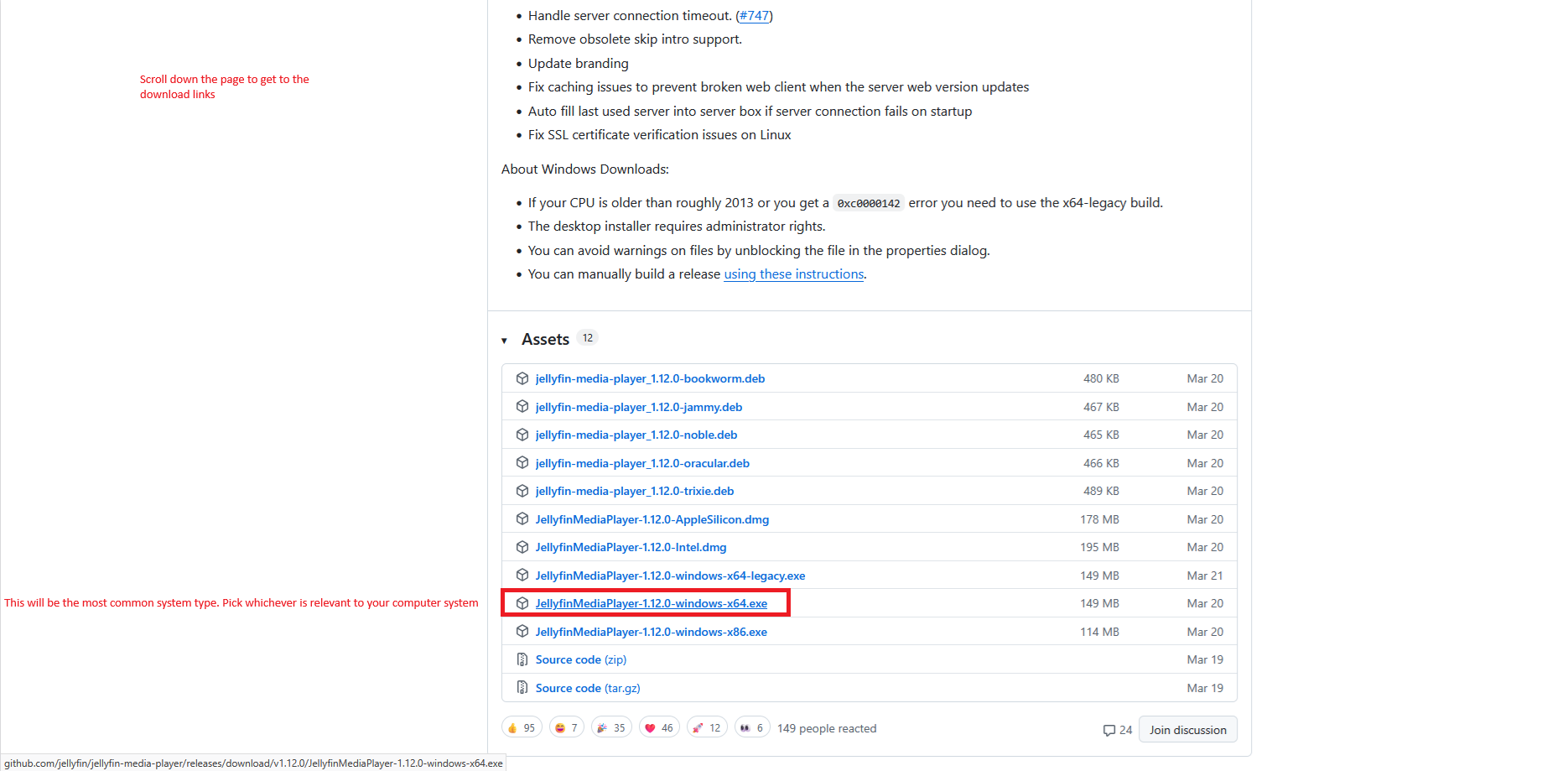
Step 3
Scroll down a little bit and select the download that is relevant to your system. The one I have highlighted is probably the most common system that people I know would be using.
Step 4
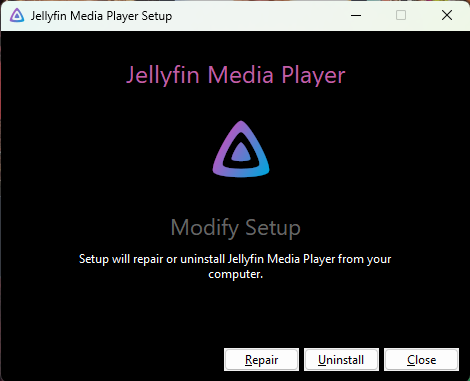
Step 4
Once downloaded, click to open. It should come up with a box similar to the one in the picture. Yours will look slightly different to mine, as I already have Jellyfin installed - Just follow the install instructions on the screen.
Step 5
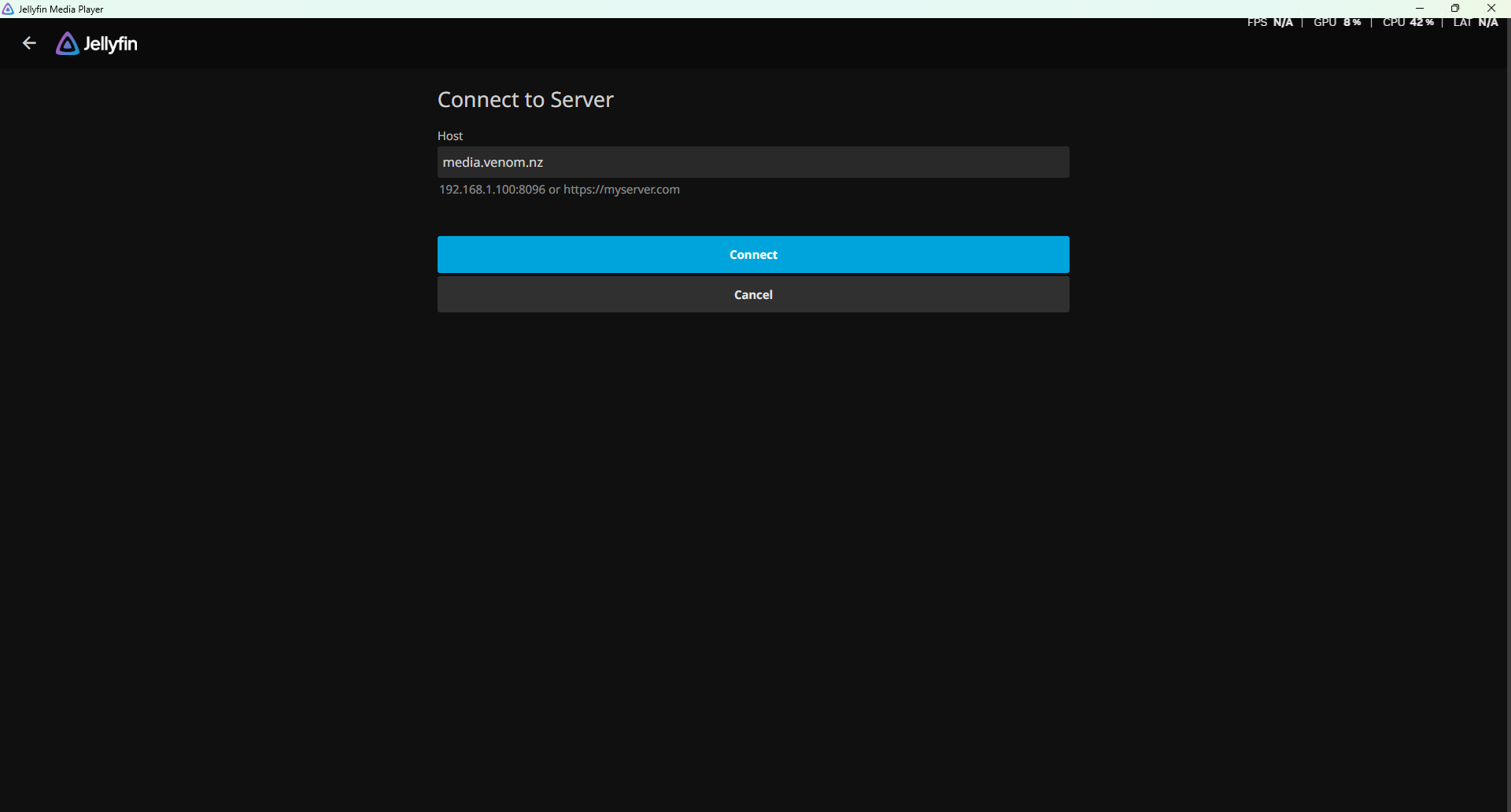
Step 5 - Connecting to the server
Enter the address to the server, which is media.venom.nz and click on the connect button.
Step 6
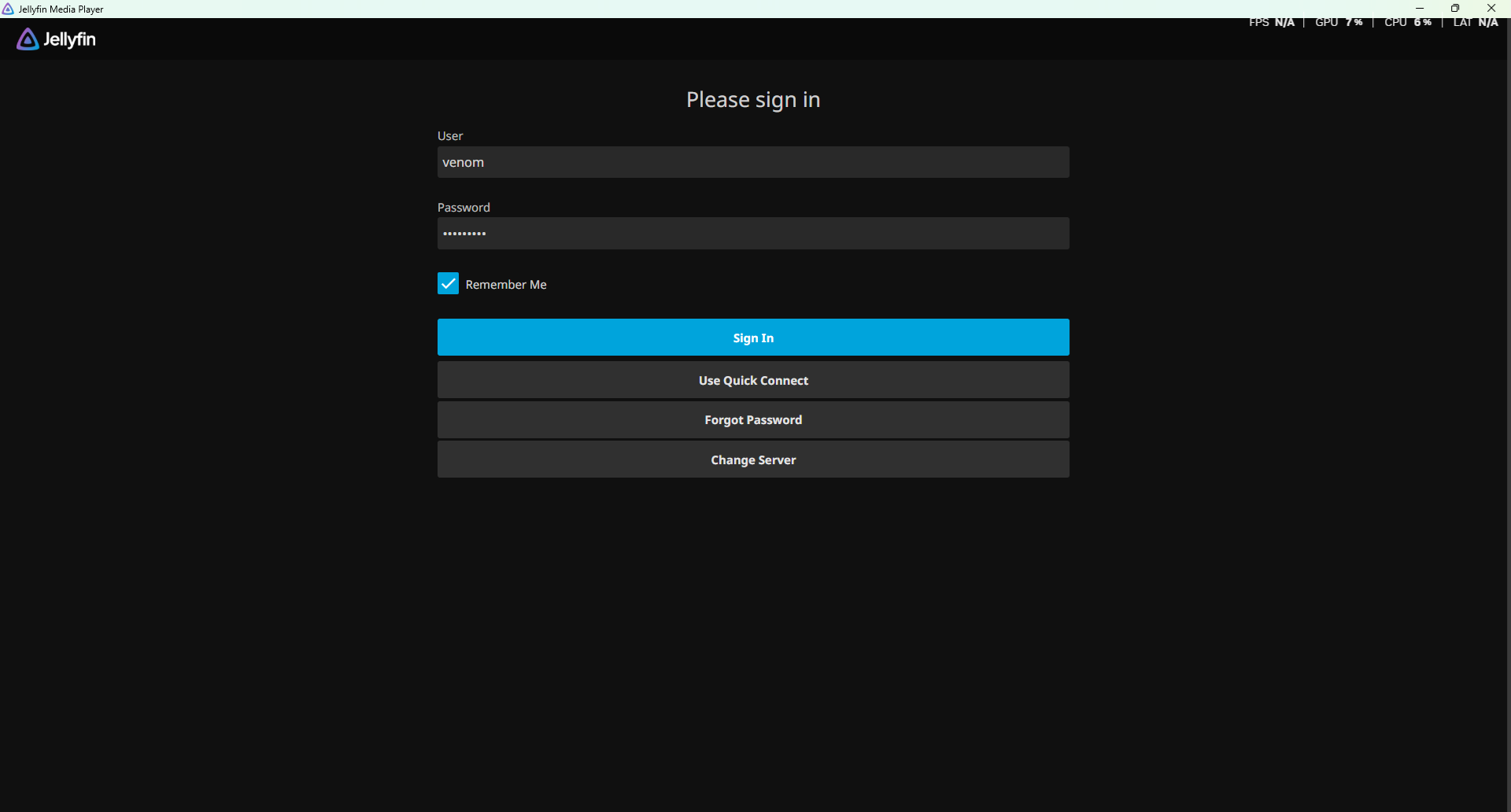
Step 6 - Logging in
Enter your credentials and enjoy!